Billing Spend by Date Range
Validated on 15 Dec 2025 • Last edited on 23 Mar 2026
The Spend by Date Range report provides a daily breakdown of your aggregated spend over a custom date range. You can view the report on the Insights tab of the Billing page.
The report groups spend by product (such as Droplets or Load Balancers) and lists your top individual resources. You can also retrieve raw daily spend data programmatically using the Billing endpoints of the DigitalOcean API.
View Spend by Date Range
On the Billing page, click the Insights tab.
Select a month, a single day, or a custom date range to generate the report.
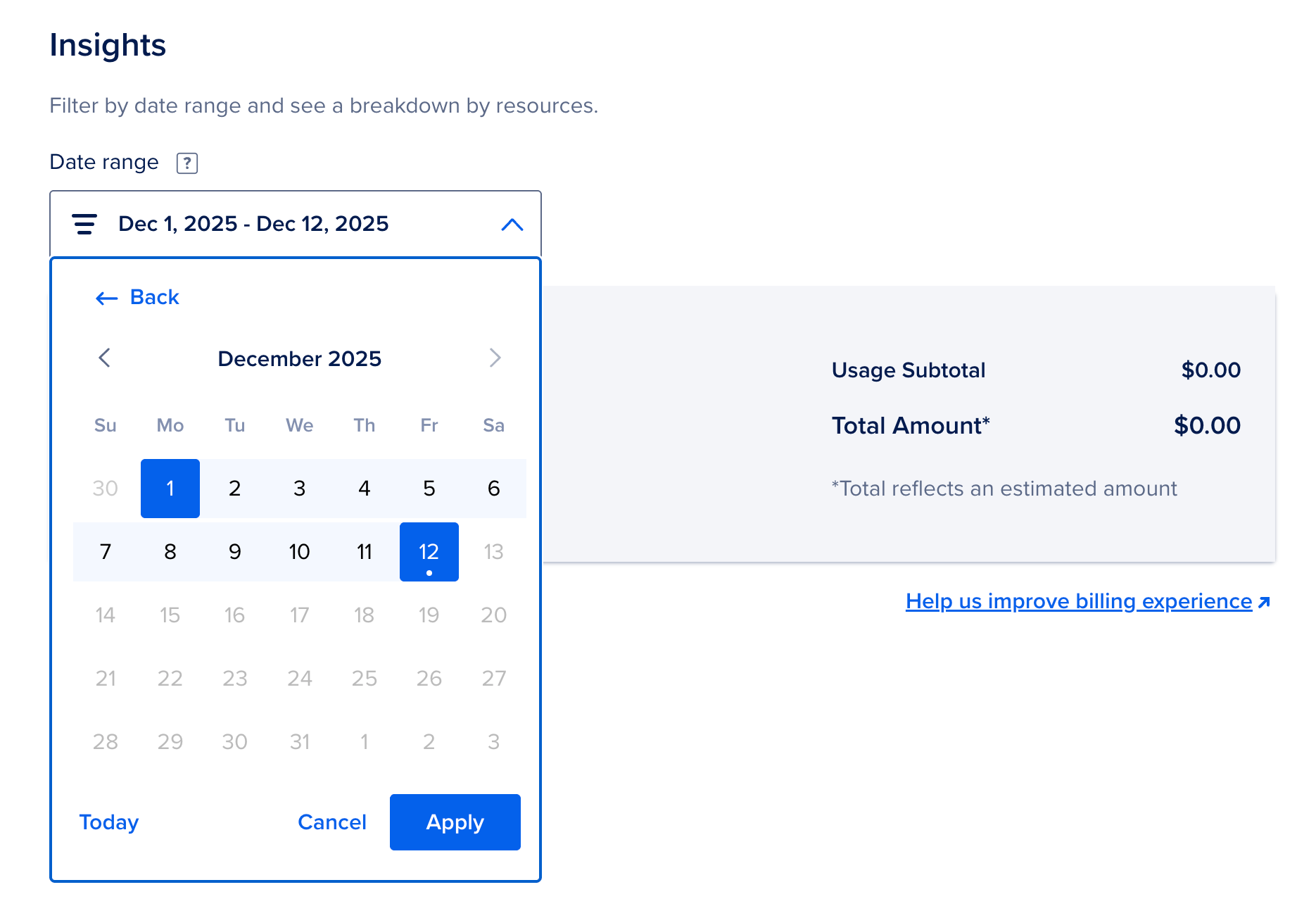
The report aggregates spend using the following logic:
- Product Grouping: Spend is grouped by product type (for example, Droplets, Floating IPs, or Load Balancers).
- Top Resources: Within each product group, the report lists the top 100 resources by spend.
- Rolled-up Resources: Any remaining resources outside the top 100 are combined into a single line item (for example, “X unlisted resources”), which displays the total spend for those remaining items.
Download a CSV Report
To download a CSV file containing the full list of resources for your selected date range, click CSV in the report. The CSV contains all resources, including those outside the top 100 shown in the control panel.
Retrieve Spend Using the API
To retrieve raw daily spend data programmatically (JSON only), use the /v2/billing/{account_urn}/insights/{start_date}/{end_date} endpoint of the DigitalOcean API.
Spend By Date Range Limits
The following limits apply to spend by date range reports:
- Spend amounts are estimates. The amounts shown in this report are estimates. Refer to your monthly invoice for final billing details.
- Data is read-only. The report and API provide read-only access to your billing data. You cannot modify billing information through this endpoint or through the Insights tab.