How to Create New Teams
Last verified 17 Nov 2026
When you sign up for DigitalOcean, you are the only member of your default team. After you add a payment method, you can create additional teams.
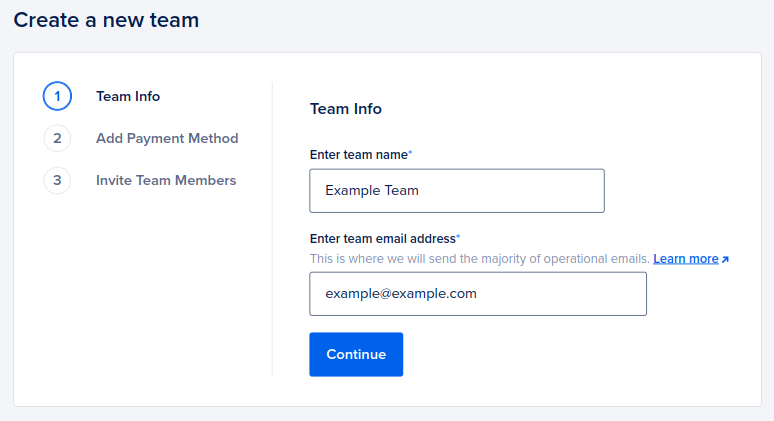
To create a new team, go to the Create a new team page, specify your team info, add a payment method, and invite additional team members.
-
On the Team Info tab, enter the team name and contact email.
-
On the Add Payment Method tab, enter a payment method for the new team. If you already have a payment method associated with your default team, the new team automatically uses the same payment method and this step is skipped.
-
On the Invite Team Members tab, you can optionally enter email addresses for people you want to invite to the team, then click Send Invites. Alternatively, click Skip and Go To Team to remain on a team of one. You can invite additional people to your team at any time in the future.
You can also check the box to Require a secure sign-in method. If you leave it unchecked, you can enable secure sign-in later.
Once the team is created, you can switch between your teams using the profile icon dropdown menu.