NgStack
Generated on 5 Apr 2026 from the NgStack catalog page
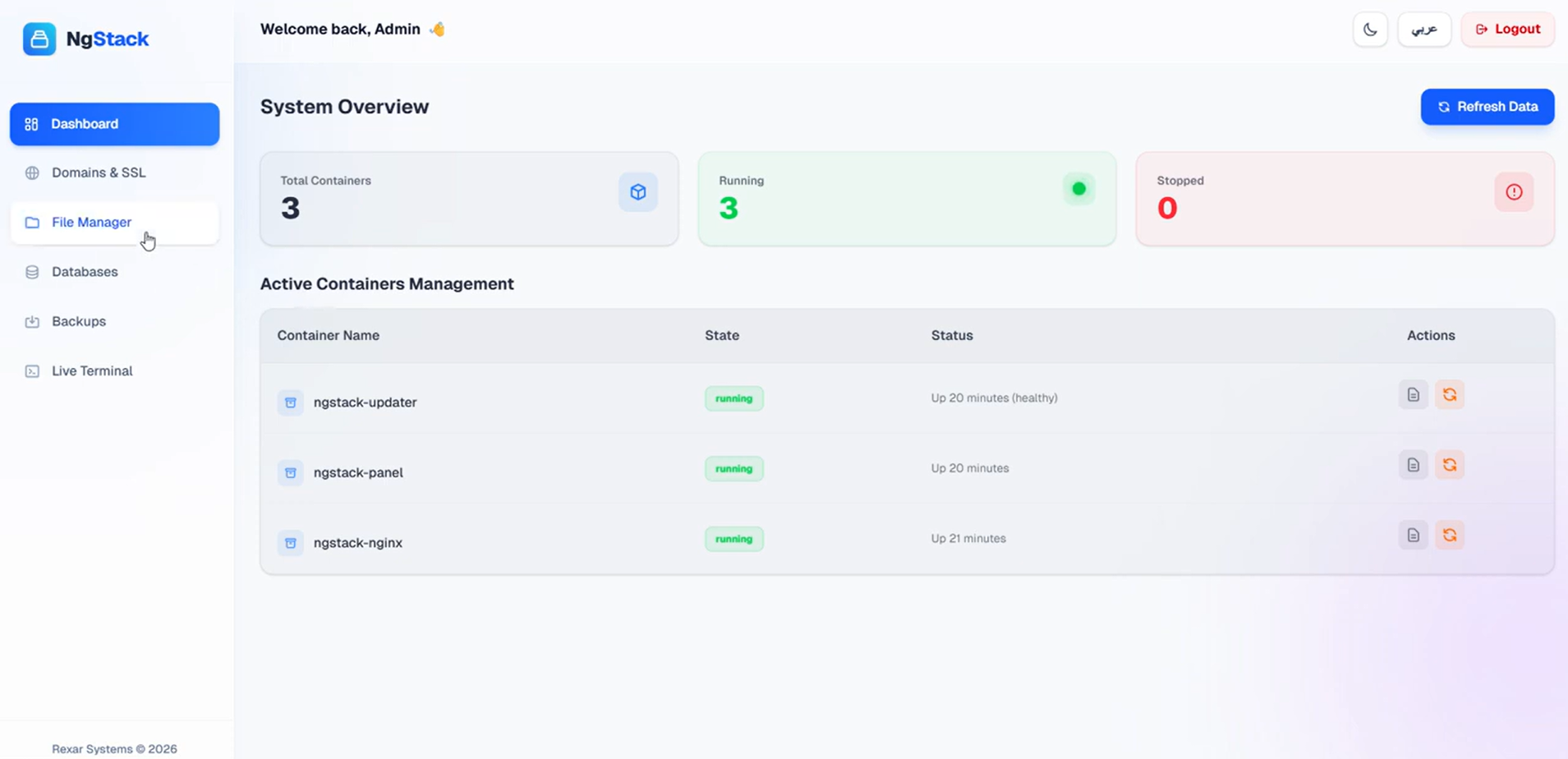
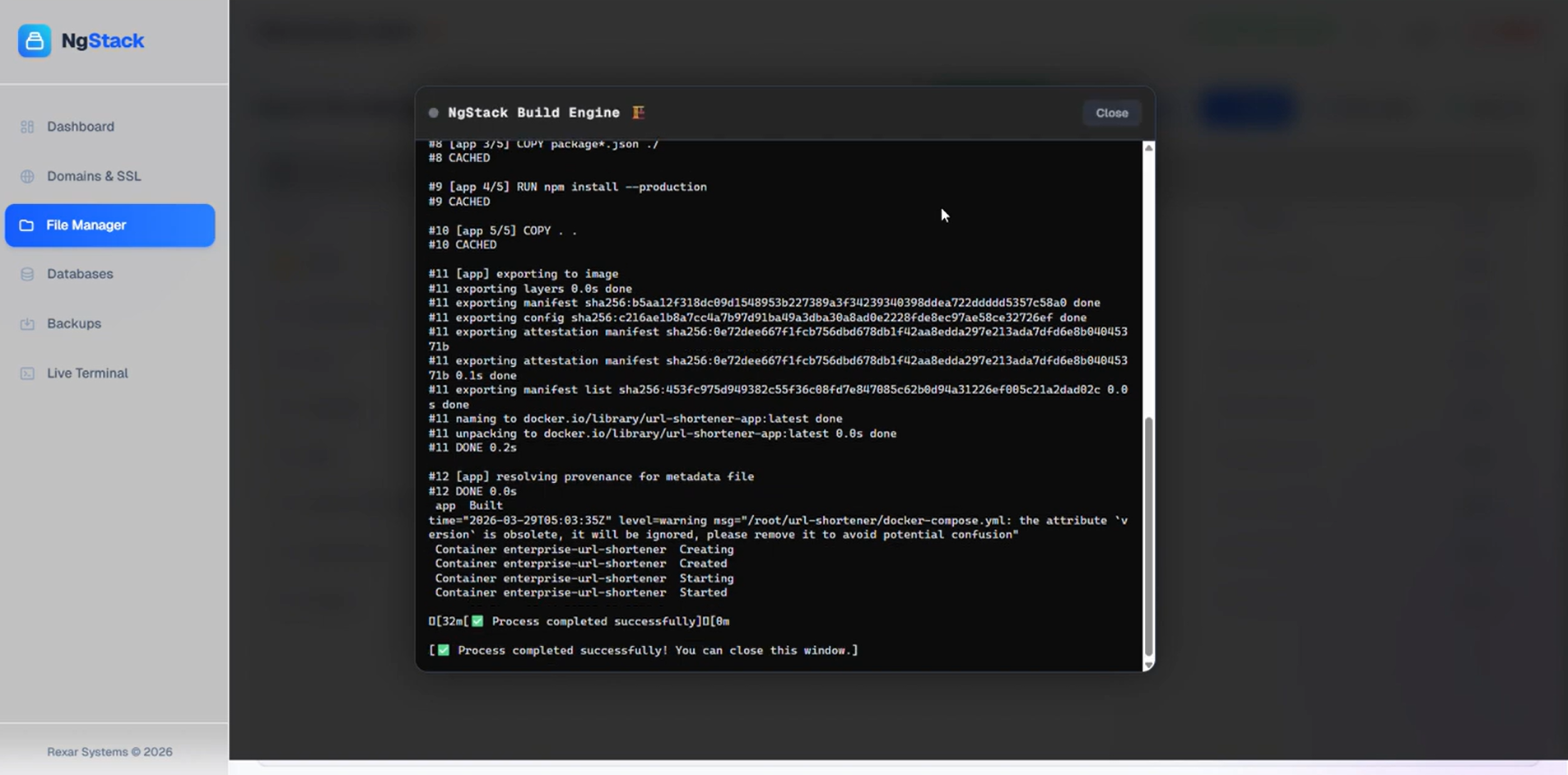
Build, deploy, and manage Docker containers and modern apps seamlessly from a unified, smart cloud dashboard. NgStack combines the freedom of a VPS with PaaS simplicity, offering automated Nginx proxies, free SSL, and one-click database management. Effortlessly handle your code with the built-in File Manager and deploy instantly using the powerful NgStack Build Engine. Keep full control with intelligent backups and a secure Live Terminal—say goodbye to command-line complexities.
Why NgStack?
-
🐳 Smart Docker Management
Full control over your containers, live logs, and one-click restarts.
-
🔒 Nginx Proxy & Free SSL
Automated domain mapping and Let’s Encrypt SSL issuance and renewal.
-
🗄️ Cloud Databases
Create and manage PostgreSQL, MySQL, and Redis engines with a single click.
-
📁 File Manager & Build Engine
Manage files with a built-in editor and deploy instantly using the ‘NgStack Build Engine’.
-
💽 Intelligent Backups
Extract databases and compress project files safely, excluding temp files.
-
⚡ Live Terminal (PTY)
Secure, direct access to your server or containers via encrypted WebSockets—no login required.
Software Included
| Package | Version | License |
|---|---|---|
| NgStack Engine | 1.5.0 | BYOL (Bring Your Own License) |
| Docker | latest | Apache 2.0 |
Creating an App using the Control Panel
Click the Deploy to DigitalOcean button to create a Droplet based on this 1-Click App. If you aren’t logged in, this link will prompt you to log in with your DigitalOcean account.

Creating an App using the API
In addition to creating a Droplet from the NgStack 1-Click App using the control panel, you can also use the DigitalOcean API. As an example, to create a 4GB NgStack Droplet in the SFO2 region, you can use the following curl command. You need to either save your API access token to an environment variable or substitute it in the command below.
curl -X POST -H 'Content-Type: application/json' \
         -H 'Authorization: Bearer '$TOKEN'' -d \
        '{"name":"choose_a_name","region":"sfo2","size":"s-2vcpu-4gb","image":"rexarsystems-ngstack"}' \
        "https://api.digitalocean.com/v2/droplets"
Getting Started After Deploying NgStack
Welcome to NgStack
Thank you for installing NgStack. Your next-generation cloud control panel is ready!
1. Access your Dashboard
Open your Droplet’s IP address directly via your browser:
http://your_droplet_public_ipv4
After accessing your server IP and entering your License Key (which you can get from cust.ngstack.net), please log in using the default credentials:
- Username:
admin - Password:
admin
⚠️ Important: Please change your password immediately from the dashboard settings after your first login to secure your server.
2. Terminal Management
Manage your server effortlessly using the built-in Live Terminal. You can execute commands directly within the dashboard with root privileges and without needing external SSH clients or additional logins.
(Traditional SSH access remains available as a backup via: ssh root@your_droplet_public_ipv4)
3. Documentation & Guides
To learn how to deploy Node.js, PHP, Python, Go apps, and databases in seconds using the NgStack Build Engine, check out our Official Documentation.